
Create and print custom puzzles with our free maze generator. Design grids from 5 to 50 rows, adjust line thickness (1-10), and choose custom colors like pink or green. Instantly reveal and print solutions in high-quality PDF or PNG formats, making it the perfect tool for creating ready-to-use classroom worksheets or home activities.
Take complete creative control over your puzzle design. Our tool allows you to calibrate the grid dimensions from 5×5 up to 50×50, ensuring the difficulty perfectly matches the user’s cognitive level.
For younger children or those with visual processing needs, you can increase the line width from 1 to 10 to make the walls bold and easy to follow.
Want a “fun touch”? Personalize your design with custom colors – choose pink, blue, green, or any shade to create a vibrant, themed maze that keeps kids engaged.
Design your own maze puzzles – perfect for learning and play
Why Our Maze Maker Is the Perfect Choice:
- Instantly Create Endless Puzzles: Generate a new, unique maze in seconds – no two are ever the same.
- Boost Skills & Creativity: Our printable puzzles are a fantastic way to improve problem-solving, spatial reasoning, and fine motor skills.
- Fun & Educational for All Ages: From simple mazes for preschoolers to brain-teasing challenges for adults, our tool has a maze for everyone.
- 100% Free & Customizable: Download your maze as a PDF or PNG and print it anytime, anywhere.
How to Make Your Own Maze Puzzles:
- Step 1: Customize your grid. Set your rows and columns between 5 and 50.
- Step 2: Style your maze. Select a fun color (like blue or pink) and set the line width (up to 10) for maximum visibility.
- Step 3: Toggle the solution. Not sure if the path is too hard? Use the Solution Toggle to see the path instantly.
- Step 4: Download and print. Export your maze – and its solution – in PDF or PNG format..
Start creating your printable maze puzzles today – fast, easy, and completely free!
| Feature | Specifications | Benefit |
| Grid dimensions | 5×5 to 50×50 | Adjustable difficulty from toddler to adult levels. |
| Line thickness | 1 to 10 pixels | Enhances visibility for young kids or those with visual needs. |
| Custom colors | Full color picker (e.g., pink, blue, green) | Create themed puzzles for holidays or classroom sets. |
| Solution access | Instant toggle & printable keys | Quick verification and easy grading for teachers. |
| Export formats | High-resolution PDF & PNG | Crisp printing or easy embedding into digital docs. |
Explore More Puzzle Fun
- Need a new challenge? Check out our collection of 50+ free printable mazes for kids of all ages, ready to download instantly.
- Looking for another great activity? Don’t miss our Free Word Search Puzzle Generator – it’s super easy and fun to design your own custom word search games!
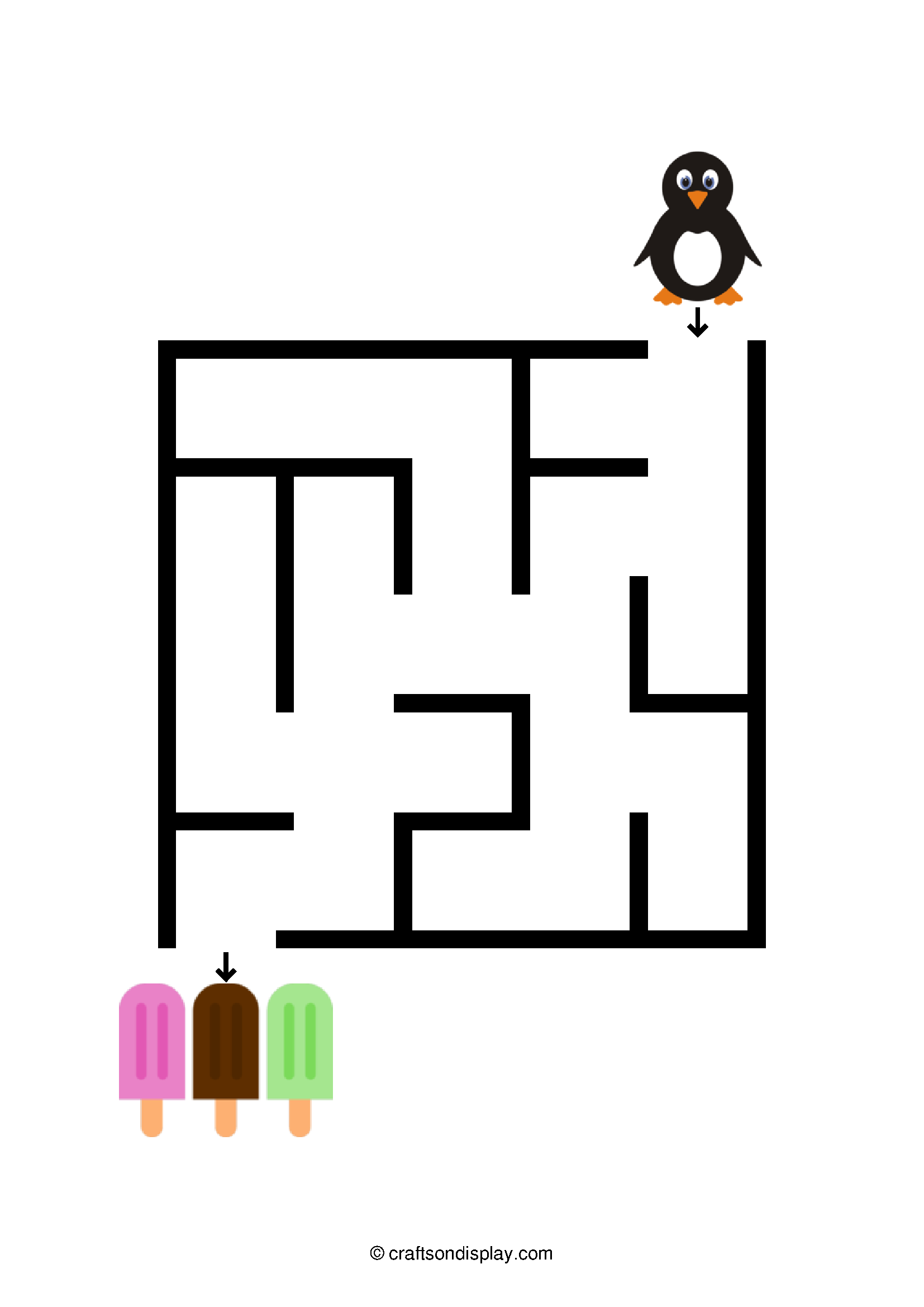
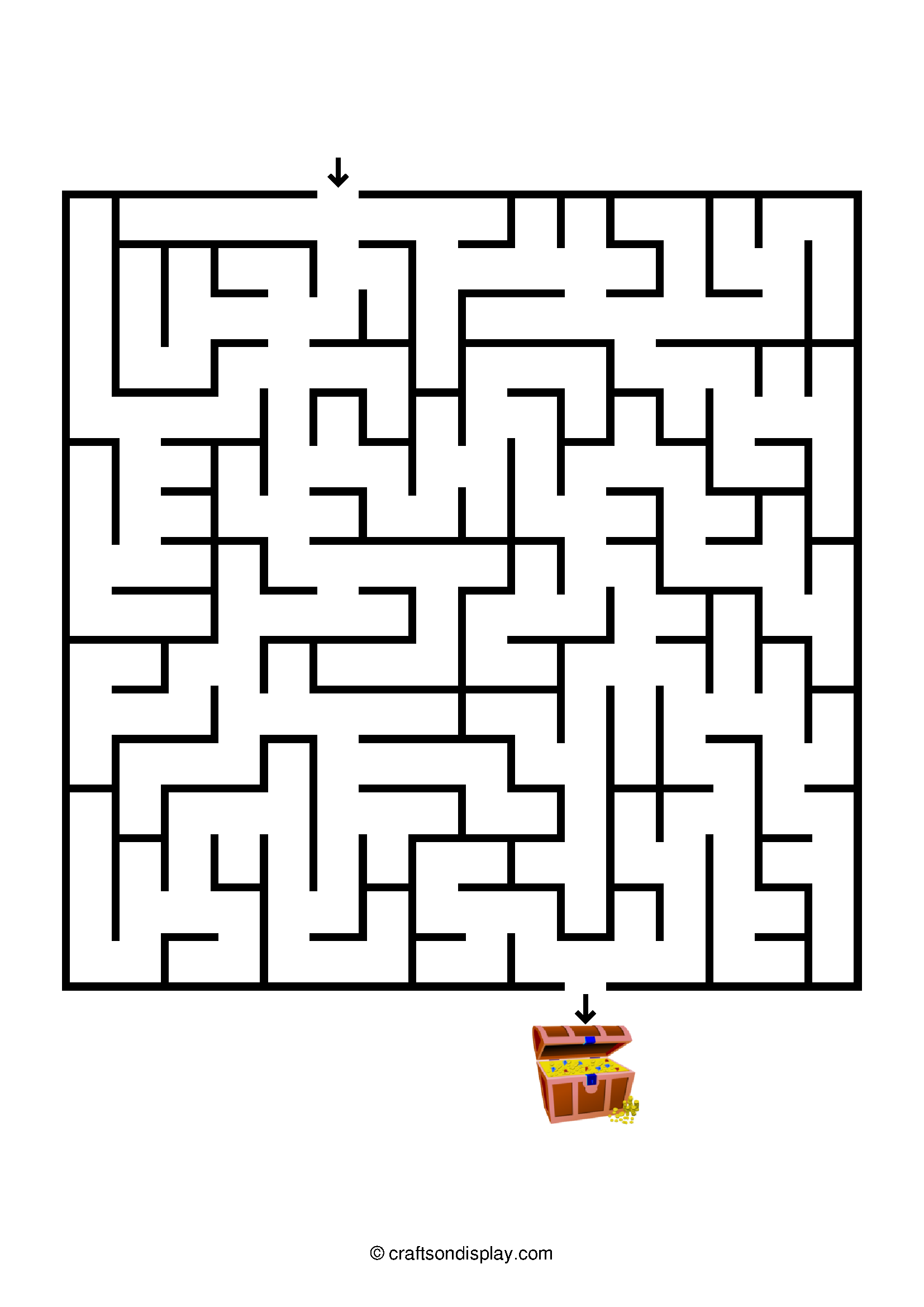
Check out a sample: download an easy maze for youngsters and an intermediate maze for older kids – both ready to print and play!
FAQ section
- Can I make the maze walls thicker for younger kids? Yes! You can adjust the line width from 1 to 10. A thicker line (8–10) makes the maze walls more visible, which is helpful for preschoolers still developing visual-motor integration.
- What colors can I use for the maze walls? You can choose any color for your maze lines, including pink, blue, or green. Custom colors are great for matching classroom themes or creating “holiday-themed” mazes.
- How large can my custom maze be? The generator supports anywhere from 5 to 50 rows and columns. A 5×5 grid is perfect for toddlers, while a 50×50 grid provides an expert-level challenge for adults.
- What file formats can I download? Once you’ve customized your size, colors, and line thickness, you can download your unique maze as a high-quality PDF or PNG for easy printing.
- Can I print the answer key for the mazes? Yes! Our generator includes a “Show Solution” feature. You can view the path on-screen and print the solution page separately so you always have the answer key handy.
- What is the best format for printing mazes? We recommend the PDF format for the cleanest lines on standard paper. However, if you want to include the maze in a digital project or presentation, the PNG format is ideal.
- Do I have to pay to see the solution? No. The solution toggle and all export options (PDF/PNG) are 100% free to use.
Share your feedback
We value your feedback and would love to hear your thoughts! Feel free to share your comments in the box at the bottom of this page. If you like our maze generator, please consider sharing it on your social media or telling a friend. Your support means the world to us!
Let’s keep in touch! You can find us on Facebook, Instagram, and Twitter.